Slide Card or Connect
Slide Card makes the card appear to slide onto the display. Connect makes the arrival look like you’re sharing a card with the phone.
Bring a playing card onto your iPhone. Change the color of its back with a touch, then flick it off the screen and back toward the deck.
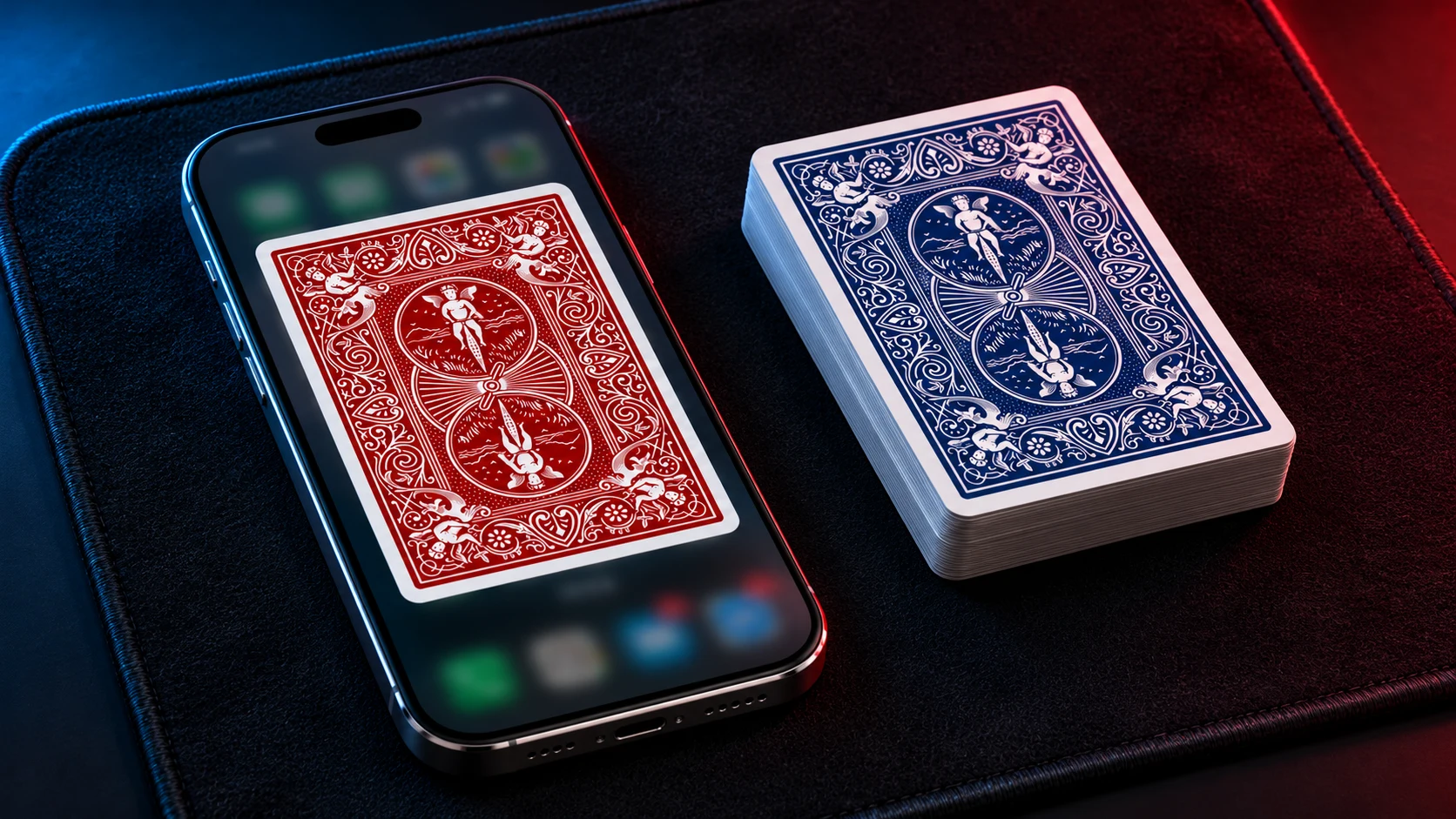
A spectator chooses the seven of hearts from a blue-backed Bicycle deck and returns it to the pack. You place the deck at one end of your iPhone, and a blue-backed card appears on the screen.
Touch the card and its back turns red. Flick its edge and it flies off the top or bottom of the iPhone toward the deck with a sound. Spread the cards face down across the table and one red back stands out. Turn that card over to reveal the spectator’s seven of hearts.
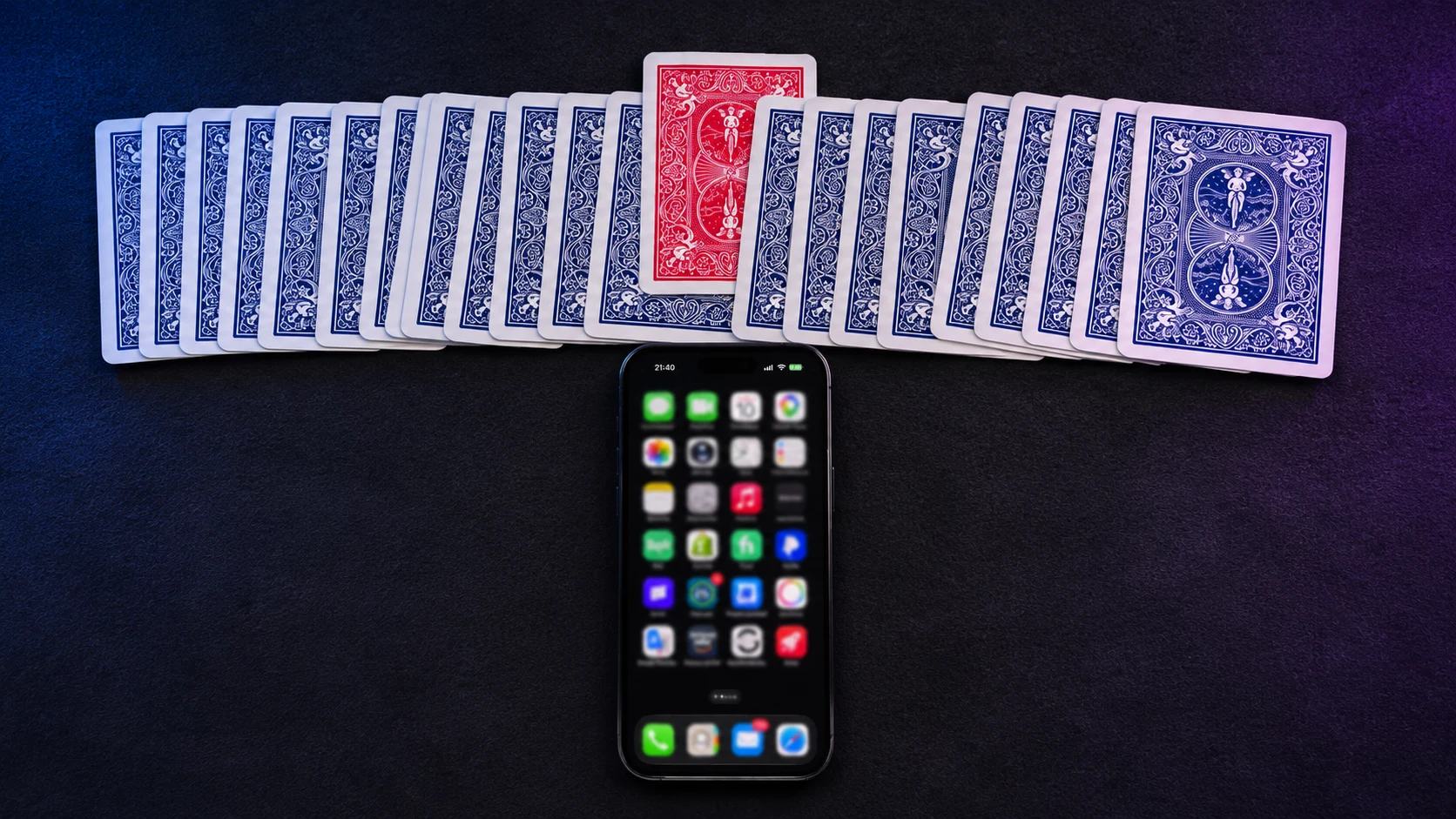
Use the app as a companion to Chicago Opener or a simple double color change. Let the audience see the card back change on the iPhone first, then reveal the matching change in the physical deck.
Slide Card makes the card appear to slide onto the display. Connect makes the arrival look like you’re sharing a card with the phone.
Choose the starting color to match your deck and the ending color to match the reveal.
Start with a dimmed display so your touch looks like it’s waking the phone. Adjust animation durations and delays to match your handling.
Use a screenshot of your iPhone as the background so the card appears over the screen your audience expects to see.